Galaxy phones finally show live network speed
2026-06-12
A tiny number in the corner now tells a bigger story on Galaxy phones. The status bar can finally show real‑time network speed, a feature long handled by modders and niche utilities but now folded into Samsung’s own interface so it behaves like any other native indicator and survives system updates without hacks.
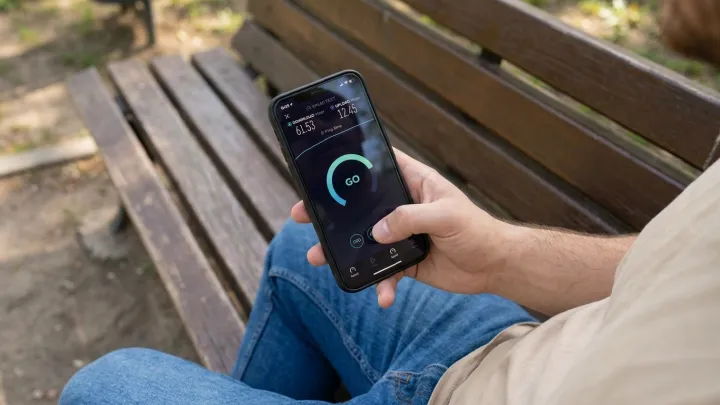
The practical upside is obvious for users who stream, tether, or game, because the kilobits‑per‑second or megabits‑per‑second readout exposes what the modem and radio interface layer are actually delivering, instead of hiding behind a generic signal icon that reveals nothing about throughput, congestion, or throttling on Wi‑Fi and mobile data connections.
Enabling it is simple rather than experimental. Open Settings, go to Notifications, then Status bar, and toggle Show network speed; on some Galaxy builds the switch sits under Display, then Status bar, but the control always lives in core system menus, needs no root permissions, and does not rely on any third‑party overlay or accessibility trick.
Loading...

