The Hidden iPhone Setting That Tames Kids’ Screens
2026-07-05
Hidden inside iOS, a setting built for cognitive disabilities may be the smartest kids’ phone tool Apple has ever shipped. Not in a glossy keynote. Not in Screen Time dashboards. Buried in Accessibility sits Guided Access, a single‑app lockdown that quietly rewires what an iPhone is allowed to be.
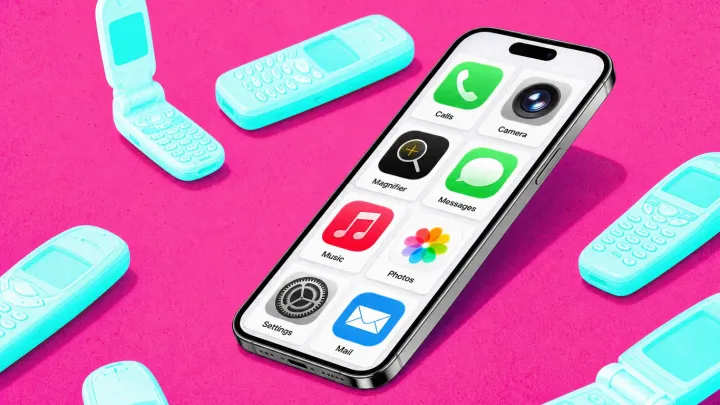
The bold claim is this: Guided Access beats most parental control suites because it flips the default. An iPhone stops being a general‑purpose computer and becomes a tightly sandboxed appliance, enforced at the operating system level. With a passcode, a parent can pin one app, disable the Side Button, mute volume keys, block the touchscreen’s dead zones, and even set an auto‑timeout that force‑quits the session when a limit hits.
That inversion matters more than another analytics chart or push alert about usage. Screen Time relies on reporting and soft nudges; Guided Access operates more like process isolation in an operating system, constraining what the user can execute rather than merely logging behavior. For a young child, that means a phone that calls, or messages, or runs a single reading app, but never suddenly turns into a web browser, social feed, or game launcher at midnight.
The quiet irony is hard to miss. A feature engineered for accessibility, complete with options like hardware button suppression and motion‑based wake settings, has become an accidental parenting powerhouse. In a market obsessed with kid‑branded devices and subscription control platforms, the most effective “dumb phone” for kids may be the one already in the kitchen drawer, waiting for someone to flip a switch that Apple barely mentions.
Loading...

