iOS 27’s Best New Tricks Beyond AI
2026-07-15
iOS 27 steals back attention from Siri by making the iPhone feel less needy. The public beta ships with small, almost rude changes that cut friction instead of chasing spectacle, and they add up fast once you live with them for a day.
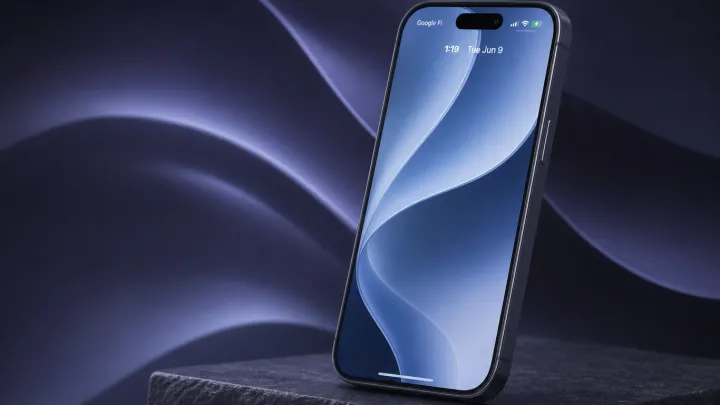
The standout shift is on the lock screen. Quick toggles for flashlight and camera are now configurable, so that space can host low-level essentials like Focus modes or Wallet passes, shrinking the number of times you swipe through the home screen grid at all. Notifications arrive in slimmer stacks, and a new option to cap persistent alerts means your lock screen no longer turns into an infinite scroll feed when group chats explode.
More surprising is how assertive Control Center has become. It finally supports multiple pages with user-defined layouts, plus per-tile actions that feel closer to system-level shortcuts than cosmetic buttons. A redesigned battery section adds a simple charge limiter slider and tighter graphs for screen-on time, leaning on the same underlying power management telemetry Apple already collects but exposing it with less ceremony and more control.
The most quietly radical move sits in privacy. App permissions now surface one-tap downgrade options in place, so you can move a maps app from precise to approximate location without digging through nested menus, and a new microphone indicator history lists which processes accessed audio in the last session using data from the existing sandbox audit logs. iOS 27 may sell itself with AI, but the beta makes a sharper case in the mundane moments between prompts.
Loading...

